Underwater
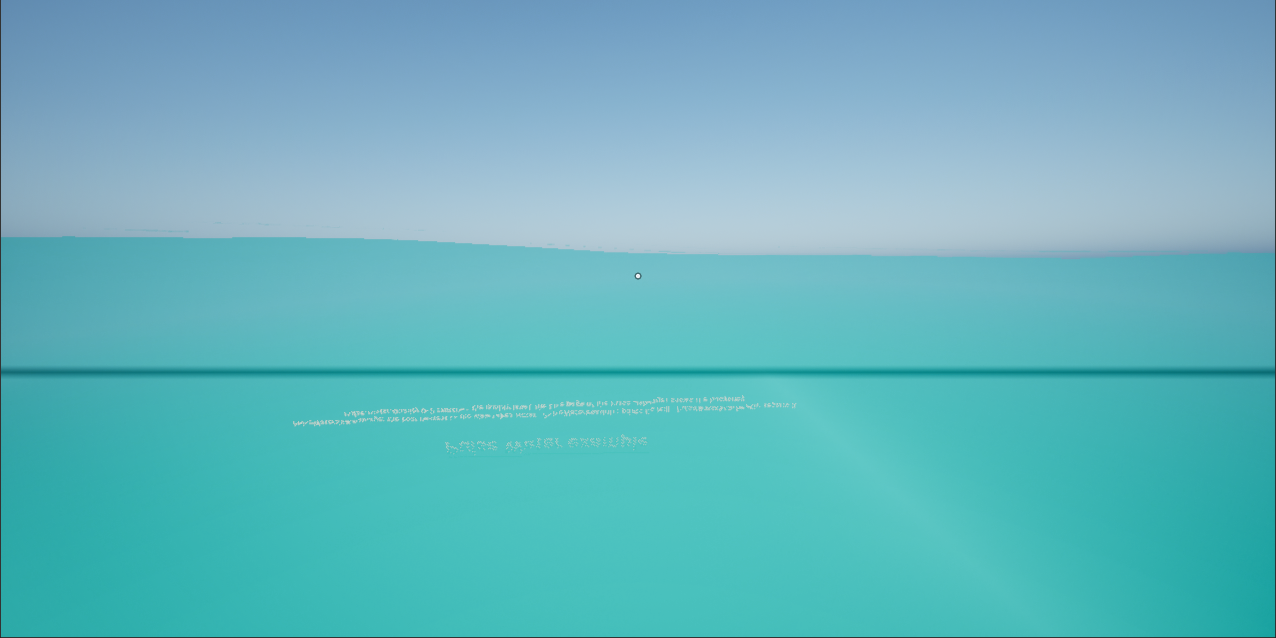
Under water the view fades to the color of the liquid, the light of the waves plays on the ground and falls in shafts through the water, and where the surface crosses the view a waterline splits it: above it the world, below it the water. It works in every kind of water (ocean, lakes, rivers, fluid water) and with every liquid.
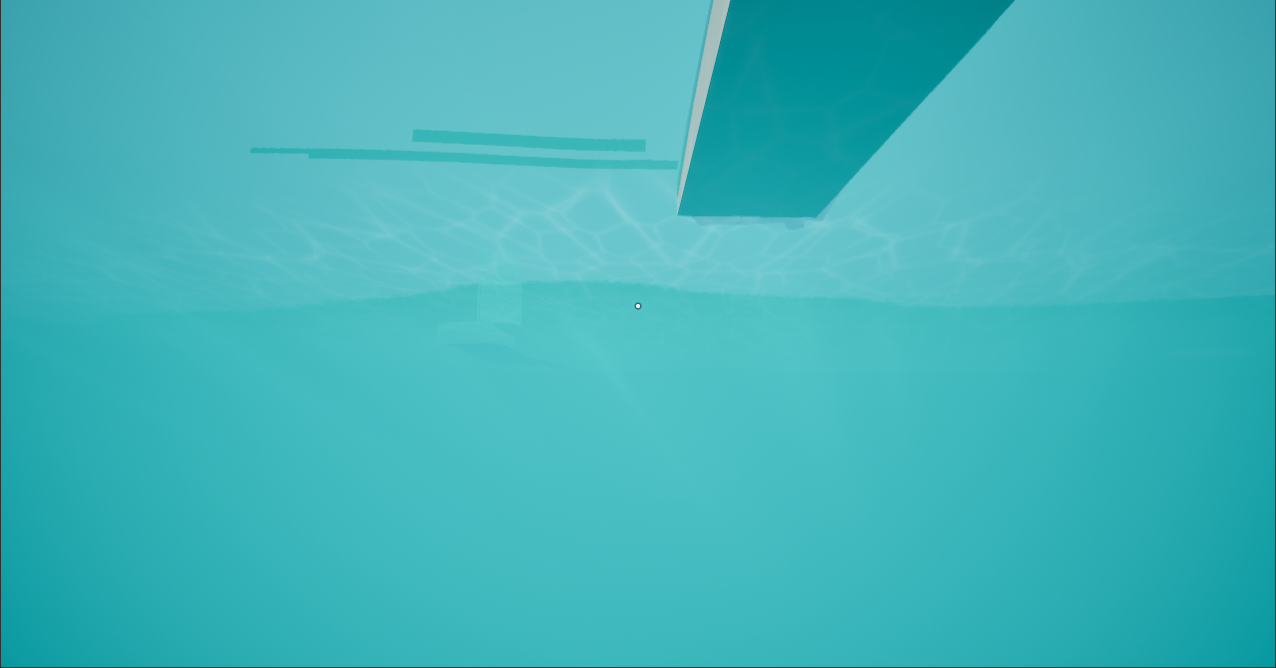
How it works
Every APulseWaterOcean has a Pulse Water Underwater component. It asks the water at the camera of every local player and blends the post process material Default Underwater Material of the settings (the plugin ships MI_PulseWater_Underwater) into that camera while the camera is under water or less than Activation Height (50 cm) above it. The material decides per pixel what is under water, so a camera that is half in the water gets a waterline. Every camera gets its own instance of the material (split screen).
To handle only one player, add a Pulse Water Underwater component to that player’s pawn or player controller instead; there it only reacts to the locally controlled owner. Is Camera Underwater, Get Camera Depth and the event On Underwater Changed tell the game when the camera goes under and comes up (sound, breath, a muffled mix).
| Component property | Default | Meaning |
|---|---|---|
Underwater Material | none | Post process material; empty uses Default Underwater Material of the settings. |
Settings | Post process settings blended in with the material (exposure, color grading under water). | |
Activation Height | 50 cm | How close the camera must come to the surface from above before the post process runs. |
The look of the liquid
The fog comes from the liquid of the water the camera is in: Color is the color the view fades to, Fog Density how fast it fades with the distance (per meter: 0.12 for water, half gone after about six meters; 1.2 for the swamp, 3 for lava) and Turbidity (0..1) how cloudy it is, which takes away caustics and light shafts. The mood of the environment makes the water darker and murkier.
The material
MI_PulseWater_Underwater is an instance of M_PulseWater_Underwater, which only calls the material function MF_PulseWater_Underwater (code in PulseWaterUnderwater.ush). Change the look in the instance or in a copy of it (edits show in a running Play In Editor session right away, see live tuning):
| Group | Parameters |
|---|---|
| Water Color | Fog Color, Fog Density and Turbidity where the liquid does not set them, Liquid Look (how much the liquid replaces them, 1 = all), Depth Darkening (darker with the depth of the camera, per meter), Dark Fog Color and Dark Fog Density Scale for a dark mood. |
| Waterline | Waterline Width (on the near plane, about 10 cm in front of the camera, so 0.15 cm is a thin line), Waterline Darkening. |
| Caustics | Caustic Strength (0 = none), Caustic Scale (size of the light cells in cm), Caustic Speed, Caustic Depth and Caustic Distance (meters over which they fade with the depth of the ground and the distance from the camera). |
| Light Shafts | Shaft Strength (0 = none), Shaft Color, Shaft Scale (light pattern at the surface in cm), Shaft Distance (meters along the view). |
The light comes from the main directional light (the atmosphere sun, else the brightest one); a sun below 6 degrees counts as straight above.
Caustics and light shafts are procedural and need no textures. The light shafts take ten samples per pixel along the view while the camera is near or under water; a Shaft Strength of 0 skips them.
Seeing the surface from below
The ocean material must be one sided (see Water materials). While the view is under water the ocean switches its tiles to the underwater surface material (UnderwaterSurfaceMaterial on the ocean component, or Default Underwater Surface Material in the settings); the plugin ships MI_PulseWater_OceanUnderside, an instance of the ocean material with Two Sided turned on.