Niagara
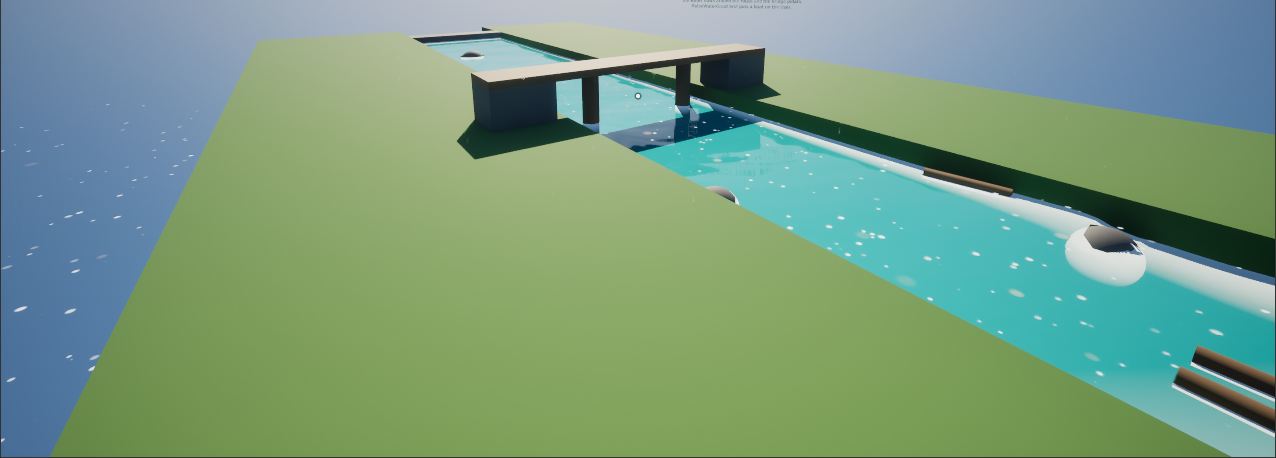
Effects that know the water: foam and debris that float on the waves and drift down rivers, rain that disappears in a lake, spray that stays above the surface. The Niagara data interface Pulse Water gives a particle the water at its position, on the CPU and on the GPU. Two modules use it for the common cases. It is for effects only; gameplay uses the water queries of the subsystem.
Modules
The modules are in /PulseWater/Niagara/Modules and in the category Pulse Water of the module list. Both have the input Pulse Water (the data interface); its settings are under The data interface.
Follow Water Surface
NMS_PulseWater_FollowSurface moves particles onto the surface and lets them drift with it: the waves of the ocean and the flow of rivers. Put it in Particle Update after Solve Forces and Velocity.
| Input | Default | Meaning |
|---|---|---|
Height Offset | 0 | Height above the surface in cm, negative below it. |
Strength | 1 | How much the particle follows the surface every frame: 1 = exactly on it, less = softer. |
Flow Scale | 1 | How much of the velocity of the surface the particle takes. |
It writes Particles.Position, Particles.Velocity and Particles.PulseWaterNormal (the normal of the surface). Particles without water below or above them keep their position and velocity.
To lay sprites flat on the water, set the Facing Mode of the sprite renderer to Custom Facing Vector and add a Set Parameters module after this one that sets Particles.SpriteFacing to Particles.PulseWaterNormal. Sprites that face the camera are cut in half by the surface; a small Height Offset helps there.
Water Surface Crossing
NMS_PulseWater_SurfaceCrossing finds particles that went into or out of the water this frame. Put it in Particle Update after Solve Forces and Velocity; it takes the position before the move as Position - Velocity * DeltaTime.
| Input | Default | Meaning |
|---|---|---|
Kill On Enter | false | Kill particles that went into the water (rain drops). |
Kill On Leave | false | Kill particles that came out of the water (bubbles). |
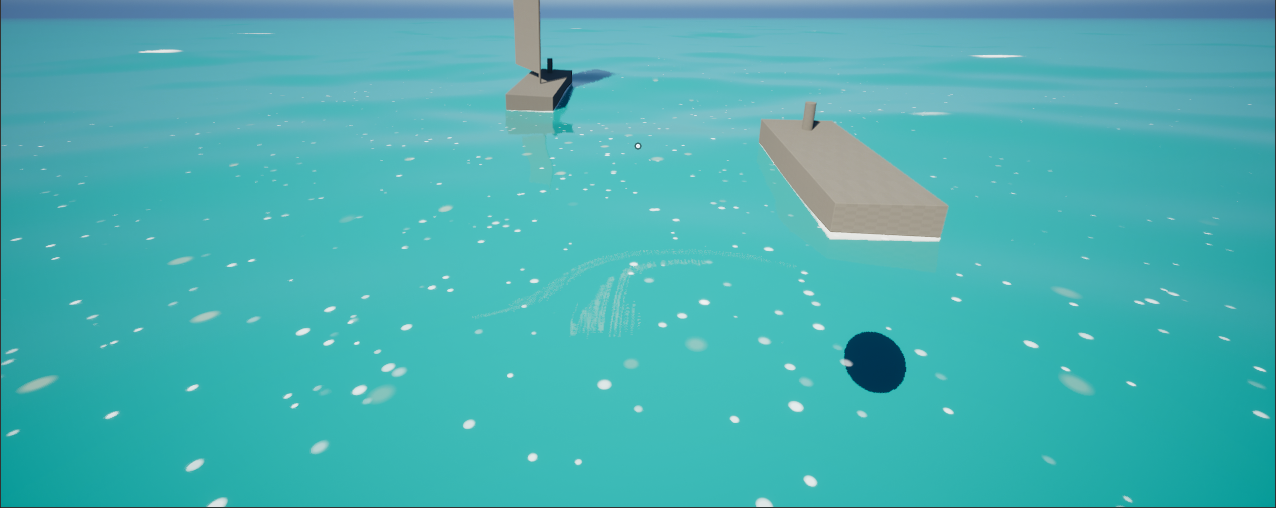
It writes Particles.PulseWaterEntered and Particles.PulseWaterLeft (true in the frame of the crossing) and Particles.PulseWaterCrossing, the point on the surface where the particle crossed. Use them for splash particles at that point with the event or particle reading features of Niagara. Splashes of characters, crates and boats come from the Pulse Water Splash component instead.
The data interface
Add an input of the type Pulse Water to a module or scratch pad module (or a user parameter) and call its functions:
| Function | Inputs | Outputs |
|---|---|---|
Get Water At | Position | Has Water, Surface Position (the point of the surface above or below), Depth (below the surface, negative above it, 0 without water), Normal, Velocity (cm/s) |
Get Surface Crossing | Previous Position, Position | Entered, Left, Crossing Position, Normal, Velocity |
Positions are world positions: use it in emitters in world space, or transform the positions of local space emitters first. In Custom HLSL the functions are called on the input:
bool HasWater;
float3 SurfacePosition;
float Depth;
float3 Normal;
float3 Velocity;
PulseWater.GetWaterAt(Position, HasWater, SurfacePosition, Depth, Normal, Velocity);
The CPU compiler of Niagara (Vector VM) cannot build vectors from single components of these outputs, such as float3(Position.xy, SurfacePosition.z). Use vector math instead (Position + float3(0, 0, 1) * (SurfacePosition.z - Position.z)), and a selection (HasWater ? 1 : 0) instead of an if.
How it knows the water
- The ocean is evaluated at every position: the waves the water materials get (up to
Max Gpu Wavesof the settings and the quality level), the ring waves and the sea level. The GPU code is the same as in the materials (PulseWaterWaves.ush), so particles stay on the ocean you see. - The area is a grid of water queries in a square around the system, made on the game thread: lakes, rivers and fluid water with their height, normal and velocity, where terrain covers the ocean (no water there) and the sea state. Outside of the area only the ocean is known, without terrain. The queries are made at the height of the system, so lakes and rivers are found within their
Depthbelow andMax Height Aboveabove their surface. - CPU emitters read a copy that the game thread makes before every tick; they never touch the water subsystem on worker threads. GPU emitters get the same copy.
| Property | Default | Meaning |
|---|---|---|
Sample Area | true | Sample the area around the system. Without it only the ocean is known: cheaper, enough for effects on the open sea. |
Area Size | 40 m | Side length of the area. Particles that drift farther than half of it from the system only see the ocean. |
Area Resolution | 16 | Cells per side; every cell is one water query. |
Area Update Interval | 0.2 s | How often the area is sampled again. It is sampled at once when the system moved by a quarter of the area. |
Preview Sea Level | 0 | Height of the calm preview ocean (default wave set) in worlds without Pulse Water, such as the preview of the Niagara editor. |
The area costs Area Resolution² queries per update and system on the game thread (256 every 0.2 s by default). For many systems at once, lower the resolution or switch the area off where only the ocean matters.
Example
/PulseWater/Examples/Niagara/NS_PulseWater_FloatingFoam has three emitters: Foam (GPU) lies flat on the water, Debris (CPU) drifts with it, Drops (CPU) fall from six meters and die where they go into the water. Place it on the water of a level; on a river the foam drifts downstream and stays off the banks.